
Dressmaker mods: where to look and what to check
Looking for Dressmaker mods? Learn where community creations appear, how to check compatibility, and what the official game currently confirms.
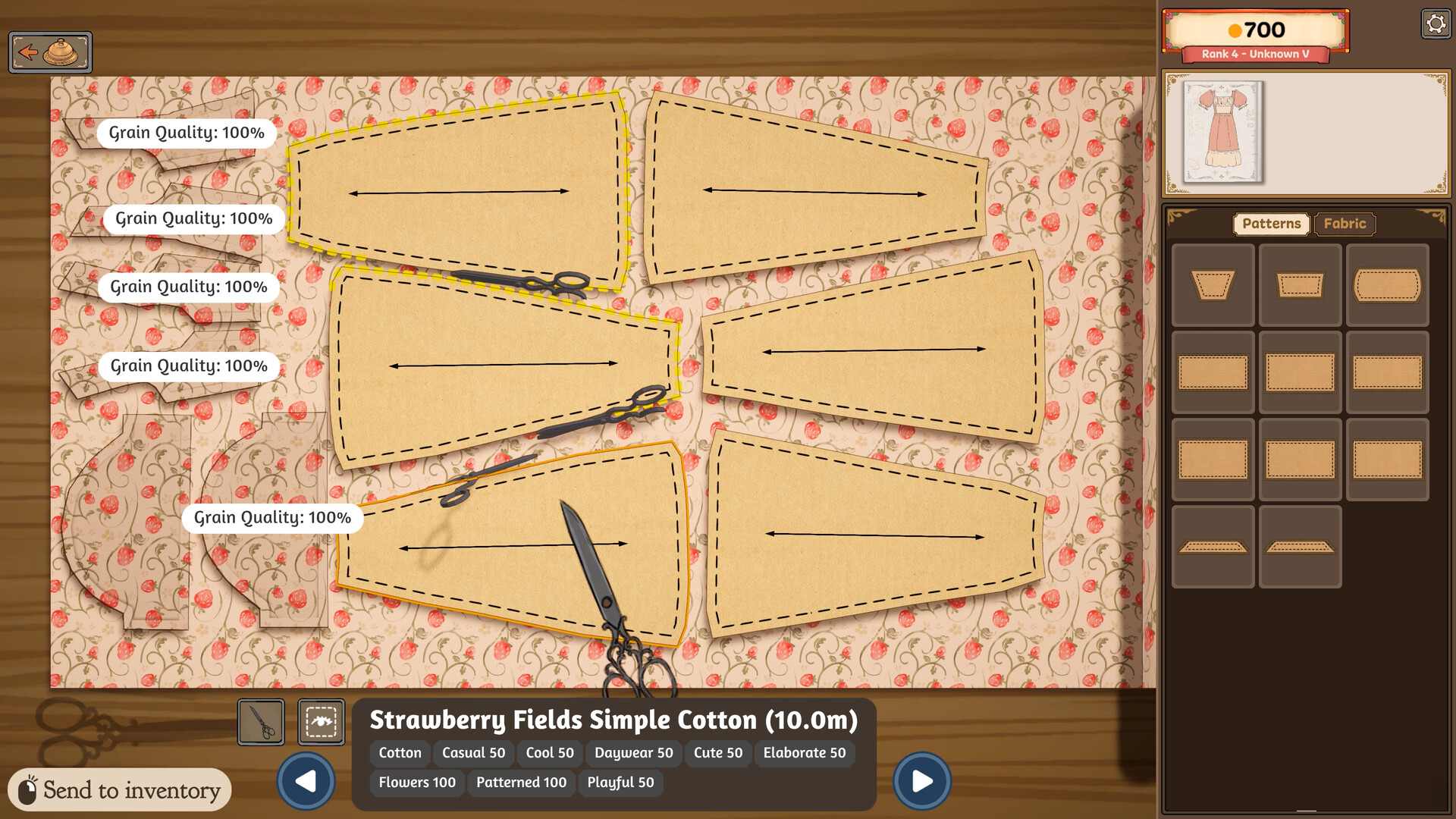
Dressmaker players searching for mods usually want more fabrics, accessories or creative options. Community creations exist, but their installation steps vary; do not assume there is an official in-game mod browser.
Where can I find Dressmaker mods?
Start with the Steam community discussions and established mod-hosting pages. A Steam discussion about custom fabrics mentions a Nexus Mods release, while clearly labeling its proposed Steam Workshop workflow as an unofficial idea. Read the mod author's page for its actual download, requirements and supported game version. A discussion post alone is not an installation guide.
Before installing a mod
- Check that the mod names the current Dressmaker build and your operating system.
- Read the author's complete installation and removal instructions. Back up your save first.
- Avoid downloads that claim to be an official patch or require account credentials. Use the original mod page.
- If the game stops working after an update, remove the mod and verify game files through Steam before reporting a base-game bug.
Is Steam Workshop supported?
The official Steam store listing does not list Workshop integration. The community proposal above describes what a future custom fabric system could do; it does not confirm a shipped feature. For official changes, check the developer announcements.
If you want to create more variety without third-party files, start with fabric selection and dress decoration.
Sources: Steam store and community discussion on custom fabrics.